
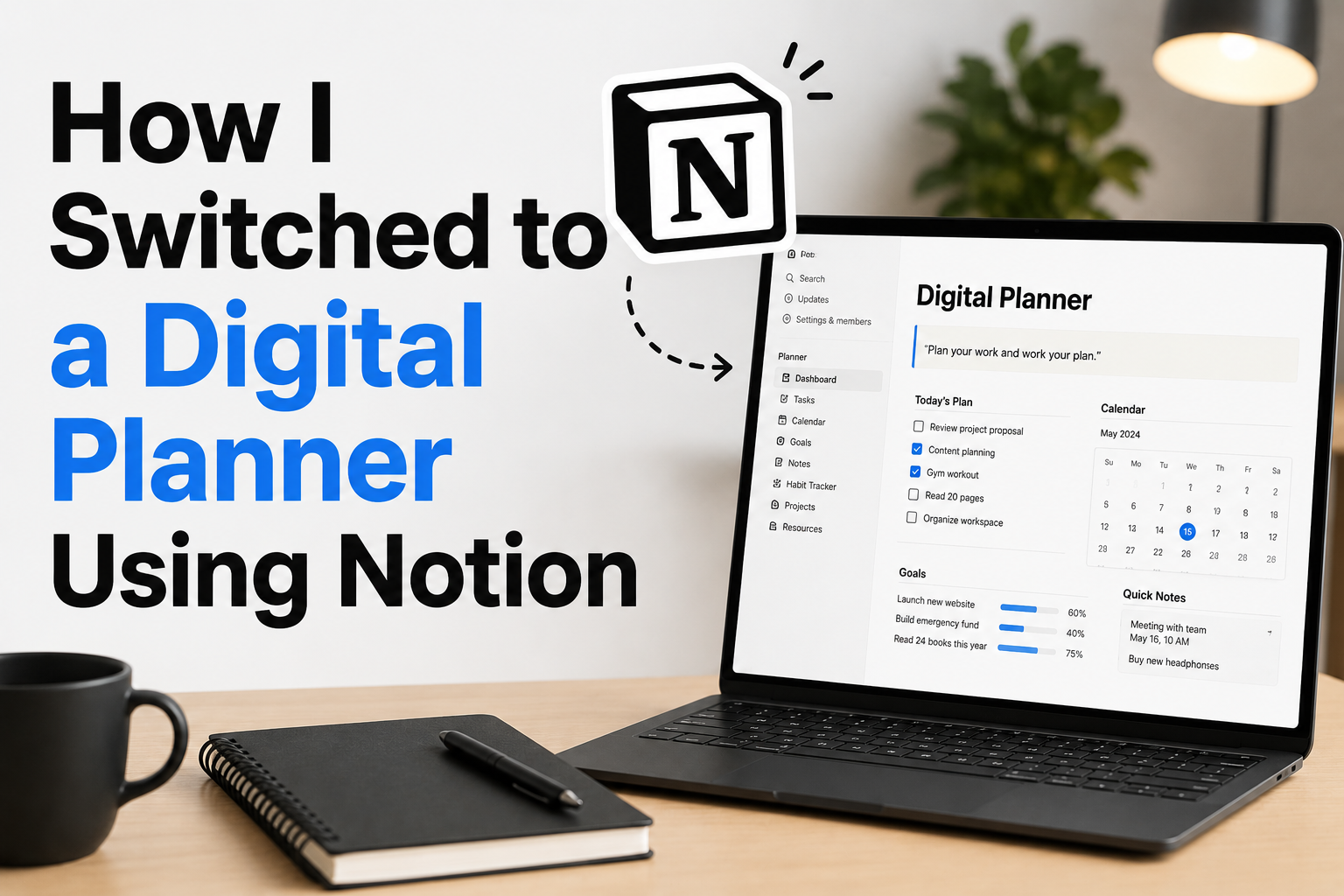
Spreading information among multiple notebooks, phone applications, sticky notes, and haphazard files can make it tough to keep track of daily work, personal objectives, appointments, ideas, and crucial notes. Paper planners are popular at first because they are easy to personalize and seem straightforward; however, users soon find that they have insufficient capacity, frequently miss important changes, and have a hard time retrieving previously entered information. By centralizing many aspects of one’s life in a digital planner, many of these issues can be resolved. A tool like Notion lets you build a versatile workplace that can adjust to your needs, eliminating the need to carry around numerous notebooks or switch between apps.
If you’re looking to streamline your productivity system without adding extra pages or features, consider making the switch to a digital planner. Most of the time, the best choice is a digital planner that you can use easily every day. You should be able to think more clearly, recall more critical duties, and spend less time arranging your organization with a well-designed system. Learn how to switch from paper planners to digital ones based on Notion, how to organize it for daily use, which features are helpful for newbies, and how to avoid common pitfalls when making your own system.
Learning the Functions of a Digital Planner
Using a digital planner, one may centralize their calendars, notes, objectives, tasks, and personal data. A digital planner offers more flexibility than a conventional one, allowing you to edit, search, rearrange, and enlarge it as your needs evolve. To put it simply, a digital planner isn’t meant to replace paper planners. Making a solid system that can store and retrieve data easily is what it is all about.
| Traditional Planner | Digital Planner |
|---|---|
| Limited physical space | Can expand as needed |
| Harder to reorganize pages | Easy to update and rearrange |
| Manual searching | Quick search functions |
| Separate notebooks may be needed | Multiple systems can connect together |
| Paper-based reminders | Can connect tasks, calendars, and databases |
Notion is useful for digital planning because it combines notes, databases, calendars, checklists, and customizable pages. Instead of forcing everyone into the same structure, it allows users to build a planning system that matches their lifestyle.
Why People Switch From Paper Planning to Notion
Paper planners work well for many people, but they also have limitations. Once you write down information, you often have to cross things out, rewrite pages, or create additional notes elsewhere. A digital planner provides more flexibility because plans change constantly. A task that was scheduled for Monday may move to Wednesday. A goal may change direction. A project may require additional information. Digital systems make these adjustments easier.
Common Problems With Traditional Planning
| Problem | How Digital Planning Helps |
|---|---|
| Forgetting where information was written | Searchable pages and databases |
| Too many notebooks | Centralized information system |
| Difficulty updating plans | Easy editing and rearranging |
| Tracking long-term goals | Dedicated goal pages and databases |
Another reason people choose Notion is flexibility. Someone can use it as a simple daily checklist, while another person may create a complete personal management system. The tool adapts based on how much structure a person wants. However, more features do not automatically create better productivity. Many beginners make the mistake of building a complex system before understanding what they actually need.
Preparing Before Building Your Notion Planner
Before creating pages and databases, it helps to think about what you want your planner to accomplish. A digital planner works best when it solves specific problems instead of collecting unnecessary information.
Identify Your Planning Needs
Start by asking what you currently struggle with. Some people need help managing daily tasks, while others want a place for goals, personal projects, learning plans, or important information.
| Need | Possible Planner Feature |
|---|---|
| Daily organization | Task list and daily page |
| Project tracking | Project database |
| Habit monitoring | Habit tracker |
| Saving ideas | Notes database |
| Future planning | Goals section |
Start With the Basics
A beginner-friendly digital planner usually needs only a few core areas:
- A place for daily tasks
- A calendar or schedule view
- A notes section
- A goals area
- A weekly review page
Adding too many sections at the beginning often makes the system harder to maintain. The goal is to create something you will actually use.
Creating the Foundation of Your Notion Planner
The first step in building a Notion planner is creating a simple structure. Think of it like organizing a physical desk. The goal is to know where everything belongs.
Create a Main Planner Page
Start with one main page that acts as your control center. This page should contain links to important sections without overwhelming you with information. A simple structure might include:
| Section | Purpose |
|---|---|
| Today | Current priorities and tasks |
| Tasks | Complete task database |
| Calendar | Scheduled events and deadlines |
| Goals | Long-term objectives |
| Notes | Saved information and ideas |
This simple structure prevents the common problem of creating many disconnected pages that are difficult to manage.
Building a Simple Planner Dashboard
A dashboard is the first page you see when opening your digital planner. Its purpose is to provide a quick overview of what matters without requiring you to search through multiple pages. A useful dashboard should answer simple questions:
- What needs my attention today?
- What important deadlines are approaching?
- What goals am I currently working on?
- Where should I store new information?
Example Dashboard Layout
| Area | Content |
|---|---|
| Daily Focus | Top priorities for today |
| Quick Tasks | Short actions to complete |
| Upcoming | Future deadlines and events |
| Notes Inbox | Temporary ideas and information |
The dashboard should not contain everything. It should provide direction. Detailed information can stay inside connected pages and databases.
Creating a Task Management System
A task system is usually the most important part of a digital planner because daily responsibilities are where many people experience the most mental clutter. A good task database helps answer three questions:
- What needs to be done?
- When does it need to happen?
- What is the current status?
Useful Task Categories
| Property | Example |
|---|---|
| Task Name | Write project report |
| Status | Not started, In progress, Completed |
| Priority | High, Medium, Low |
| Due Date | Deadline tracking |
Avoid creating dozens of categories at the beginning. Too many labels slow down the process of adding tasks, which makes people less likely to use the system.
Adding Calendar and Scheduling Features
A task list shows what you need to do, but a calendar helps you see when those tasks fit into your life. Adding a calendar view to your Notion planner creates a clearer connection between responsibilities, appointments, and deadlines. Many people struggle because they write long task lists without considering available time. A calendar-based approach helps prevent overplanning by showing how much space you actually have in your schedule.
Combining Tasks With Calendar Planning
| Planning Method | Purpose |
|---|---|
| Task list | Stores actions that need completion |
| Calendar view | Shows when activities happen |
| Priority labels | Highlights important work |
| Deadlines | Prevents forgotten commitments |
A beginner mistake is scheduling every minute of the day. A better approach is leaving some flexibility for unexpected tasks, breaks, and changes.
Creating a Realistic Schedule
A digital planner should support your actual lifestyle, not create pressure to follow a perfect routine. Include important appointments, focused work periods, personal tasks, and time for recovery. The purpose of scheduling is not controlling every moment. It reduces the mental effort of remembering everything.
Tracking Goals and Long-Term Plans
Daily tasks are important, but a good planner should also help connect everyday actions with larger goals. Without this connection, it is all too simple to stay busy without making progress toward meaningful objectives. Notion works well for goal tracking because you can connect goals with projects, tasks, and notes.
Simple Goal Tracking Structure
| Goal Section | Purpose |
|---|---|
| Goal Name | Defines the objective |
| Reason | Explains why it matters |
| Action Steps | Breaks goals into smaller tasks |
| Progress | Shows current situation |
| Review Date | Encourages regular evaluation |
Avoid Creating Too Many Goals
One common mistake with digital planning is tracking too many goals at the same time. A system can easily become a collection of unfinished ideas. Choose a manageable number of priorities and review them regularly. A smaller number of focused goals usually creates more progress than a long list of intentions.
Organizing Notes and Important Information
One of the biggest advantages of a digital planner is having a reliable place for information. Instead of saving notes across different apps, notebooks, and files, you can create a structured system where information is easier to find. A notes section can include personal ideas, learning materials, project information, reference details, or anything you want to remember.
Creating a Notes Database
| Category | Example Use |
|---|---|
| Ideas | Future projects or creative thoughts |
| Learning | Courses, articles, and research notes |
| Reference | Useful information you revisit |
| Personal | Private notes and reminders |
A useful habit is capturing information quickly and organizing it later. Spending too much time organizing every small note immediately can interrupt your workflow. Create a simple inbox for new information, then organize it during a weekly review.
Common Digital Planning Mistakes
Digital planners are powerful because they are flexible, but this flexibility can also create problems. Many beginners spend more time designing their system than actually using it.
- Building a Complicated System Too Early
- Copying Someone Else’s Entire Setup
- Ignoring Regular Maintenance
Maintaining Your Digital Planner
A digital planner is valuable only when you keep it updated. Without maintenance, even the best-designed system can become cluttered and confusing.
Daily Maintenance
- Review important tasks.
- Update completed items.
- Add new responsibilities.
- Check upcoming deadlines.
Weekly Review Routine
A weekly review helps keep your planner useful. This process does not need to take a long time. The goal is simply checking what worked, what needs adjustment, and what should be removed.
| Review Area | Question |
|---|---|
| Tasks | What remains unfinished? |
| Goals | Am I moving forward? |
| Notes | Does anything need organization? |
| System | What feels unnecessary? |
Regular reviews prevent your digital planner from becoming another place where information is stored but forgotten.
FAQs
1. Is Notion useful for beginners who have never had a digital planner?
Yes. Notion can feel daunting with all of its capabilities, but newcomers can only start with simple pages, checklists, and databases. The ideal way is to study one feature at a time instead of trying to make an extensive system at once.
2. Do I have to abandon my paper planner entirely when I move to Notion?
Not really. Some folks like to use both systems. Digital planning is well-suited for information storage, project management, and goal tracking. Paper planning may still have a place for rapid note-taking or personal reflection.
3. How much time does it take to make a Notion digital planner?
A simple planner can be built fast, but it often makes more sense to construct something better over time than to try to build it all in one day. Start with the basic portions and add features only when there is a real demand.
4. Can Notion replace several productivity apps?
For many users, Notion may replace multiple different programs, as it combines notes, tasks, databases, and calendars in one location. However, whether it replaces other apps depends on your particular preference and what you need.
5. Why are so many Notion planners hard to use?
Many planners fail because they are built around features, not the users’ day-to-day needs. More trackers, more categories, and more pages are added. If you add too much, it causes more labor to maintain. A good planner should make life simpler, not add additional burden.
Conclusion
Switching to a digital planner with Notion is not about constructing the most complex productivity solution. It’s about making a simple area where your tasks, goals, notes, and plans are easy to manage.
The best digital planners tend to be basic, flexible, and tied to genuine everyday activities. Then if your needs change, improve your system little by little, starting with the places you are most confused now. Your digital planner should serve your life, not run it. If done correctly, it can erase brain clutter, provide organization, and give you a better vantage point on what demands your attention.
References
- Notion Official Help Center – Documentation for pages, databases, and workspace organization.
- Notion Official Guides – Productivity workflows and workspace management resources.
- University research resources on planning, goal setting, and task management principles.
- American Psychological Association (APA) resources on organization, attention, and productivity habits.
- Microsoft Research publications on digital information management and productivity tools.

NilansGuide Editorial Team creates practical guides for people who want to use technology with more confidence. Our content covers everyday smartphone use, apps, digital safety, common technology problems, and beginner-friendly device guidance. We focus on clear explanations and practical steps that help readers understand and solve everyday technology questions without unnecessary complexity. Content is reviewed and updated when needed to keep information useful and relevant.