
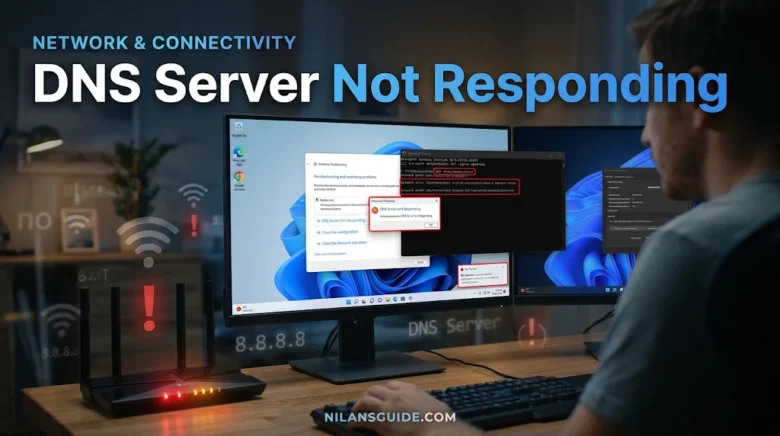
When Windows 11 displays the “DNS Server Isn’t Responding” error, your computer has successfully connected to the local router, but it cannot translate domain names (like google.com) into IP addresses. This network failure is typically caused by a corrupted local DNS cache, an unresponsive ISP-provided server, or misconfigured TCP/IP settings. Instead of waiting for your …

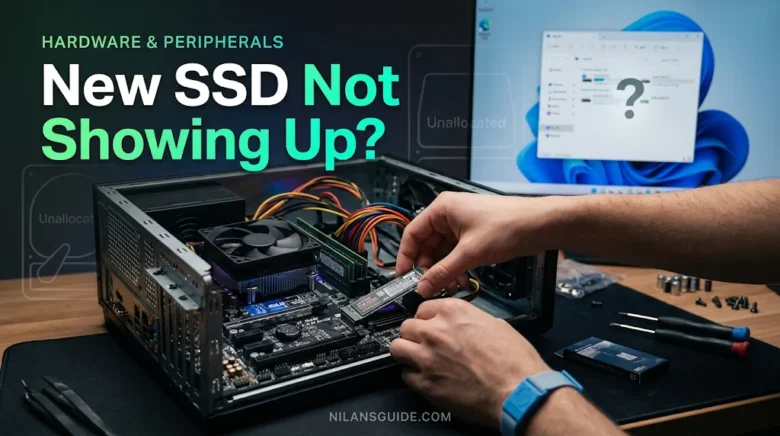
When you install a brand-new internal Solid State Drive (NVMe M.2 or SATA) into a Windows 11 PC, it will not automatically appear in File Explorer under “This PC.” Unlike USB flash drives, raw internal storage drives are shipped without a file system or partition table. Before Windows can read, write, or display the drive, …
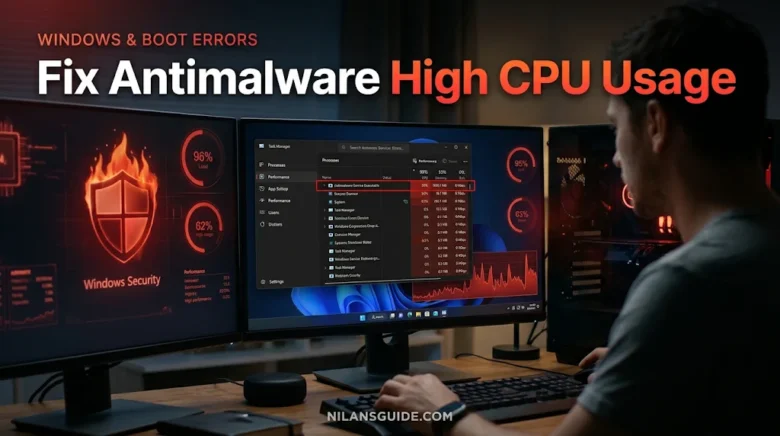
The Antimalware Service Executable (MsMpEng.exe) is the core background process of Windows Defender, the built-in antivirus software for Windows 11. While it is designed to run silently, users frequently encounter a severe glitch where this process consumes 50% to 100% of the CPU, causing intense thermal throttling, loud fan noise, and system lag. This excessive …
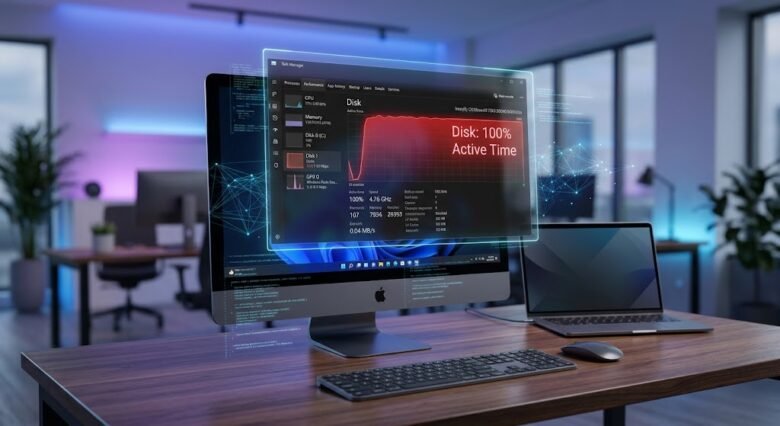
One of the most common and debilitating performance issues in the Windows 11 operating system is the dreaded “100% Disk Usage” error. You might notice your computer suddenly grinding to a complete halt, applications taking several minutes to open, or your mouse stuttering uncontrollably across the screen. When you manage to open the Task Manager …
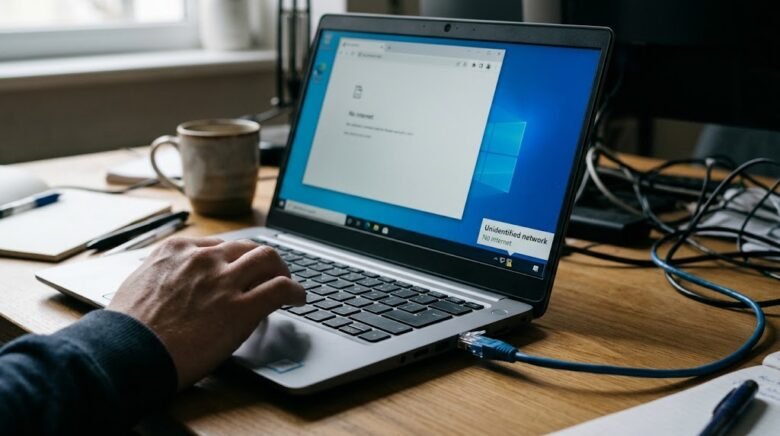
You sit down at your desk, plug in your Ethernet cable expecting that snappy, wired internet speed, but instead, you are greeted by the dreaded yellow warning triangle in your system tray. Hovering over it reveals the frustrating message: “Unidentified Network, No Internet Access.” We have all been there. While Wi-Fi has its own set …
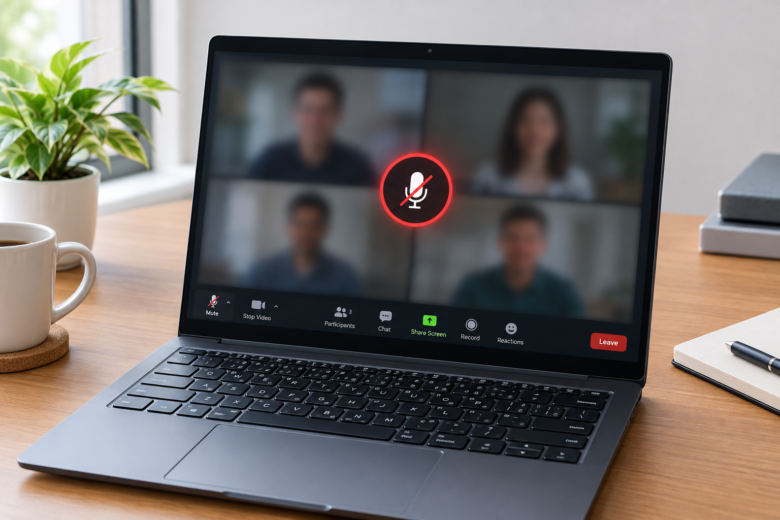
You join an important remote meeting, unmute yourself, and start pitching your idea, only to be met with complete silence. A few seconds later, someone holds up a piece of paper that reads, “We can’t hear you.” It is a uniquely stressful scenario that almost every remote worker has faced. If you are using Windows …
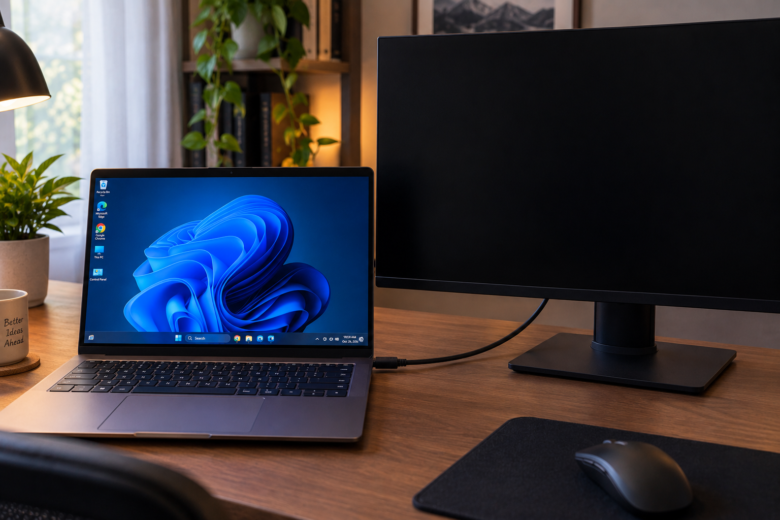
Setting up a dual-monitor workstation is supposed to boost your productivity, not your stress levels. Yet, one of the most common hardware frustrations for Windows 11 users is plugging in a second display, only to be greeted by a stubborn black screen and a “No Signal” message. Whether you just updated your operating system, swapped …
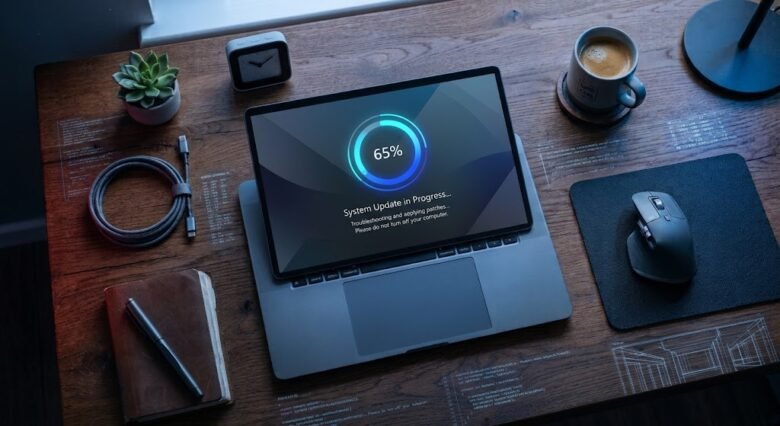
Keeping your Windows 11 operating system updated is crucial for security and performance. However, the update process is not always seamless. One of the most frustrating roadblocks users encounter is Error 0x800f081f. Usually, this error code appears alongside a message that reads: “There were some problems installing updates, but we’ll try again later.” The installation …
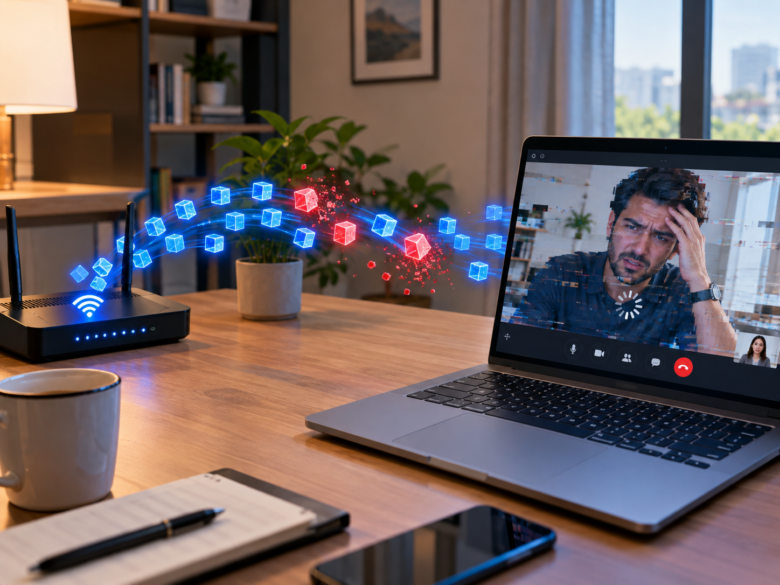
You are in the final circle of a competitive multiplayer game, or perhaps you are delivering the crucial slide of a remote Zoom presentation. Suddenly, characters start teleporting across your screen, your voice turns into a stuttering robot, and your connection freezes. Your device says you have full Wi-Fi bars, and a quick speed test …
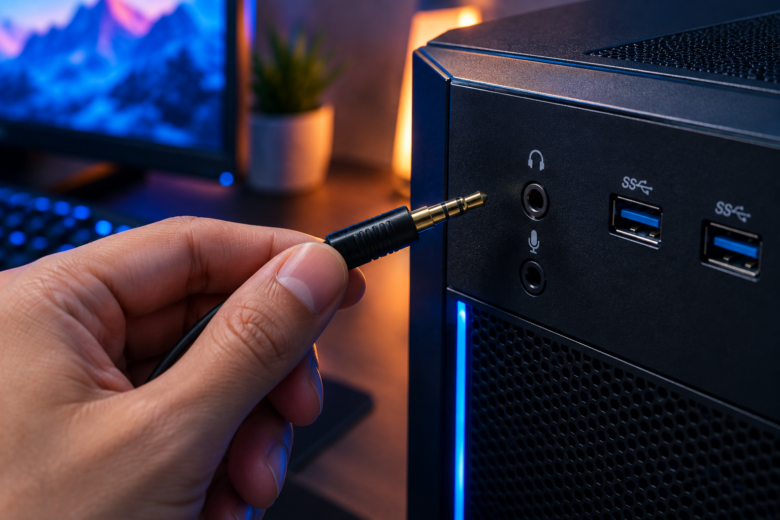
You sit down at your desk, plug your favorite pair of headphones into your PC, and immediately hear it: a low, persistent buzzing, hissing, or crackling sound. It ruins your music, makes gaming incredibly annoying, and turns quiet moments during movies into an irritating experience. Static noise in PC audio output is an incredibly common …