
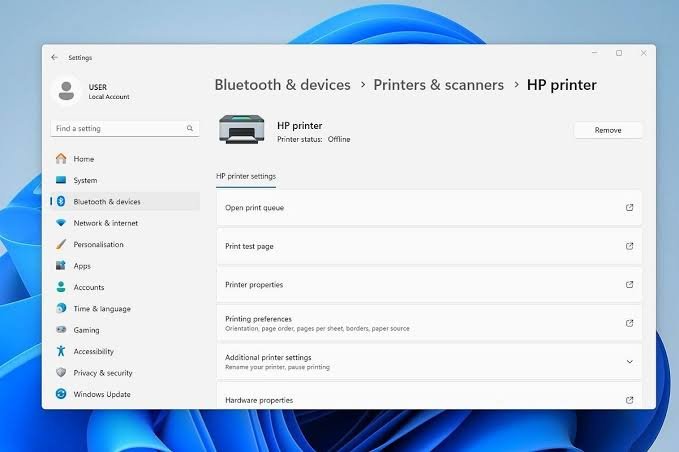
There is a unique kind of frustration reserved for hitting “Print,” hearing the machine warm up, and then watching nothing happen. You check your screen, and Windows presents you with the classic, vague error: “Printer Offline” or a print queue filled with documents stuck on “Error – Printing.” Usually, the hardware is fine. The printer …

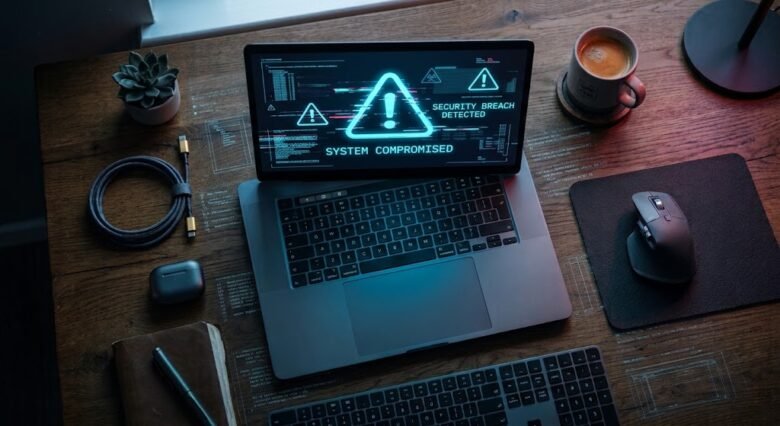
Few things in the tech world evoke as much dread as the Windows Blue Screen of Death (BSOD). It interrupts your workflow instantly, forcing a system restart and often resulting in unsaved data loss. Among the various stop codes Windows 11 can throw at you, CRITICAL_PROCESS_DIED (Stop Code 0x000000EF) is one of the most severe …
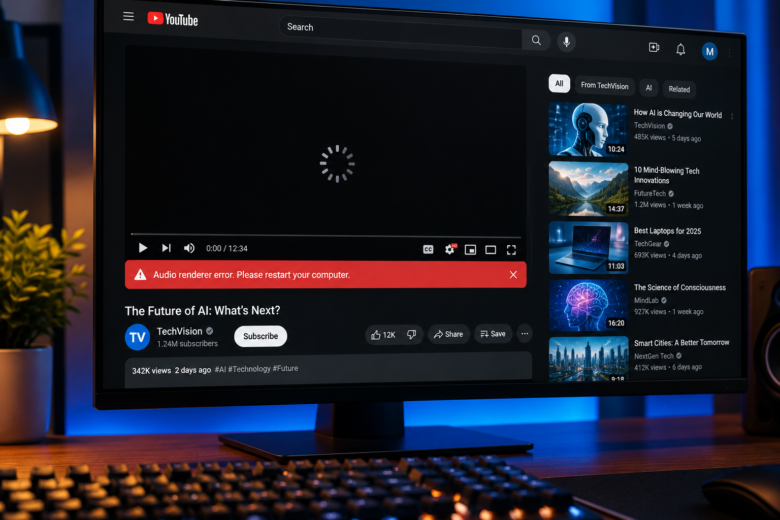
You are right in the middle of a YouTube video, a movie on VLC, or a Spotify playlist when suddenly, the video freezes. The audio cuts out completely. A few seconds later, a highly frustrating message pops up across your screen: “Audio renderer error. Please restart your computer.” This error is incredibly common on Windows …
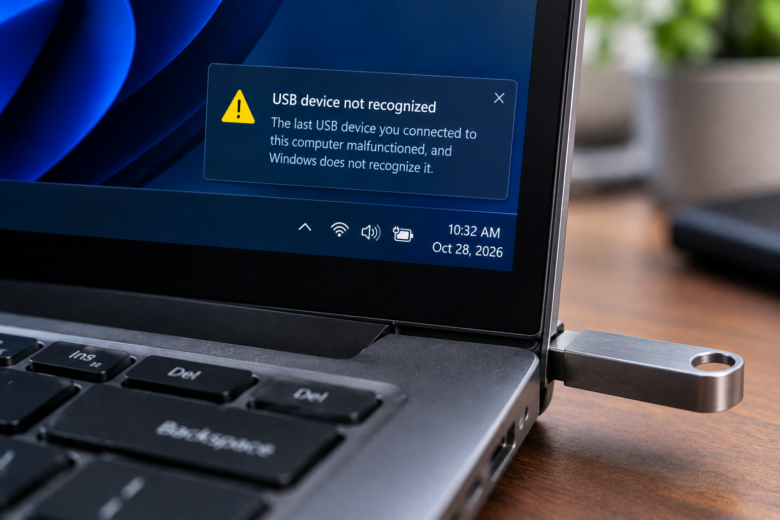
There are few sounds more stressful than plugging a USB flash drive into your computer, hearing the connection chime, and immediately seeing the dreaded pop-up: “USB device not recognized. The last USB device you connected to this computer malfunctioned, and Windows does not recognize it.” Your immediate concern is not the hardware itself—flash drives are …
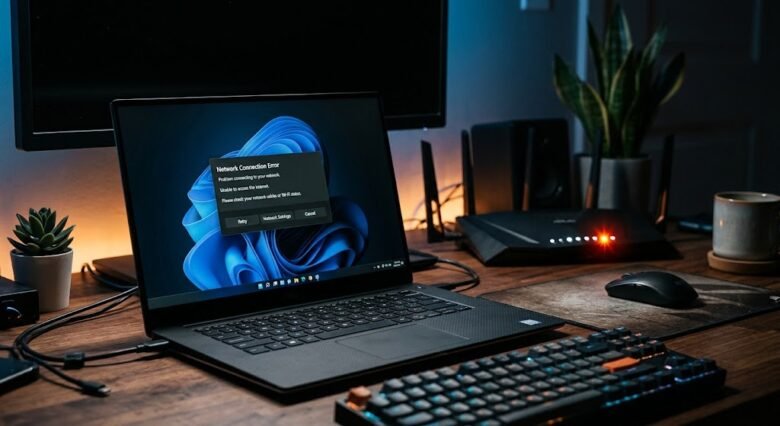
You sit down to join a video call, fire up your laptop, and suddenly your connection drops. Instead of loading your browser, your operating system throws a frustrating and confusing error message at you: “Another device on the network is using your computer’s IP address.” Your Wi-Fi shows as connected, but you have absolutely no …
Upgrading to a modern operating system like Windows 11 usually brings expectations of lightning-fast performance, especially when paired with a Solid State Drive (SSD). However, many users quickly find their computers taking minutes rather than seconds to reach a usable desktop state. You press the power button, wait through the manufacturer’s logo, stare at the …
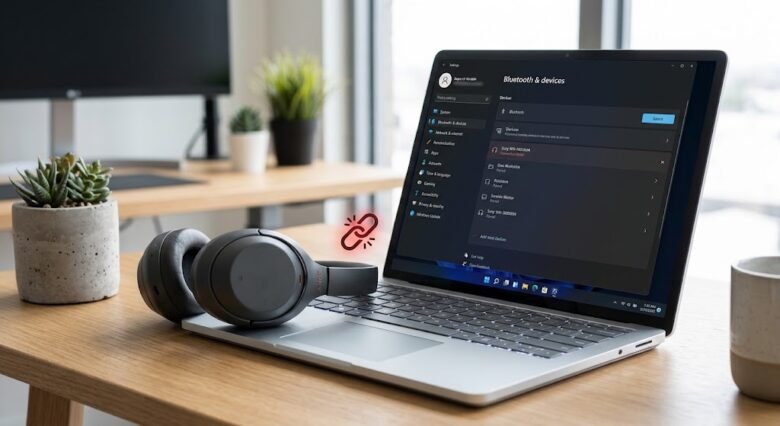
You sit down at your desk, turn on your wireless headphones or mouse, and expect an instant connection. Instead, you look at your Windows 11 settings and see the frustrating message: “Paired” but not “Connected.” You toggle the Bluetooth switch off and on, but nothing happens. The device remembers your PC, and your PC remembers …
Few hardware issues destroy your computing experience faster than a lagging wireless mouse. Whether you are trying to headshot an enemy in a competitive shooter, precisely crop an image in Photoshop, or simply drag a spreadsheet window across your monitors, a cursor that stutters, skips, or freezes feels like dragging your hand through wet concrete. …
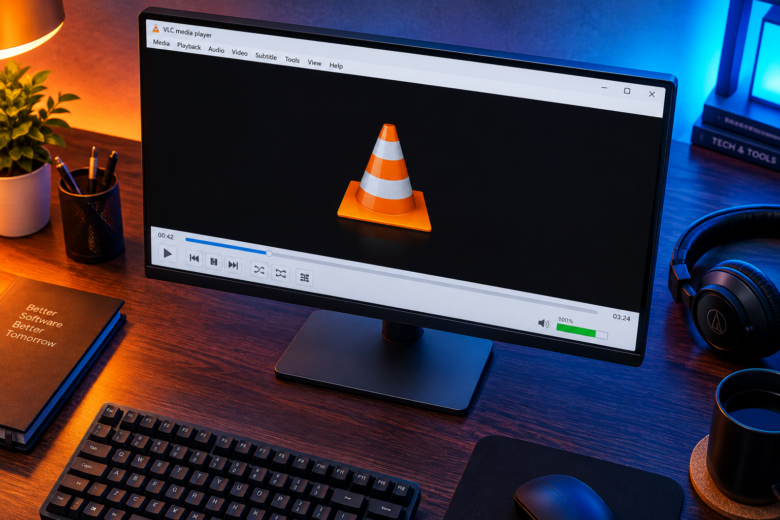
There is nothing quite as distracting as watching a movie and realizing the actor’s lips are moving a full second before you actually hear them speak. Audio desynchronization completely breaks the immersion of any video. VLC Media Player is widely considered the undisputed king of desktop media playback because it comes packed with almost every …
You boot up your Windows 11 computer, expecting to jump right into work or gaming, but instead, everything moves at a snail’s pace. Apps take forever to open, your mouse stutters, and your system fan sounds like a jet engine preparing for takeoff. Sound familiar? If you open your Task Manager right now, you’ll probably …