
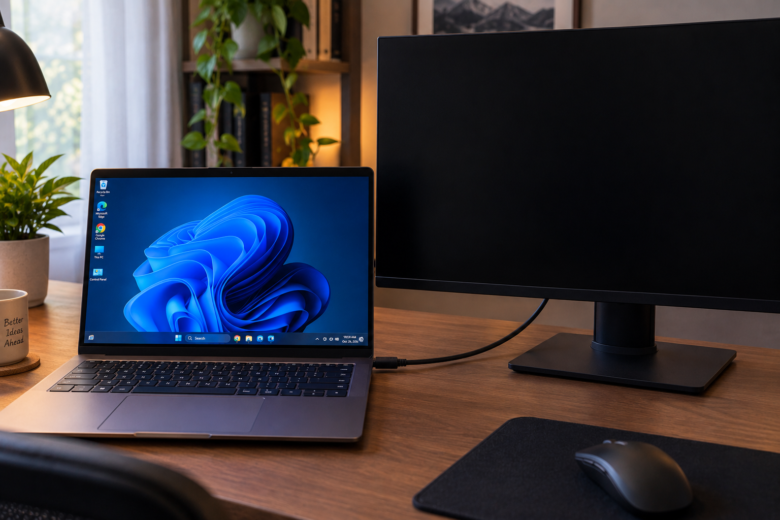
Setting up a dual-monitor workstation is supposed to boost your productivity, not your stress levels. Yet, one of the most common hardware frustrations for Windows 11 users is plugging in a second display, only to be greeted by a stubborn black screen and a “No Signal” message. Whether you just updated your operating system, swapped …
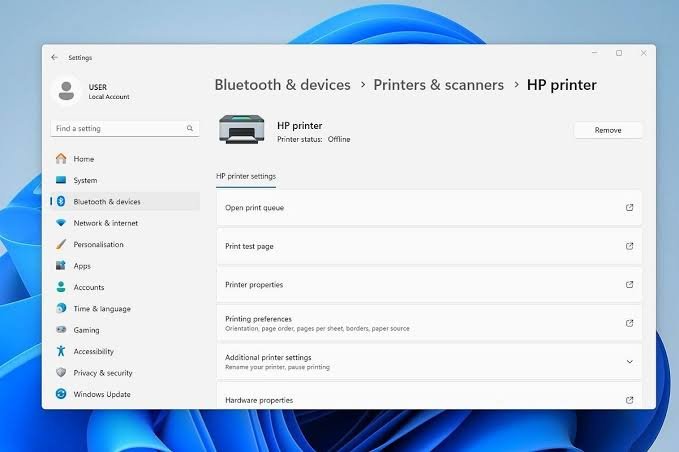
There is a unique kind of frustration reserved for hitting “Print,” hearing the machine warm up, and then watching nothing happen. You check your screen, and Windows presents you with the classic, vague error: “Printer Offline” or a print queue filled with documents stuck on “Error – Printing.” Usually, the hardware is fine. The printer …
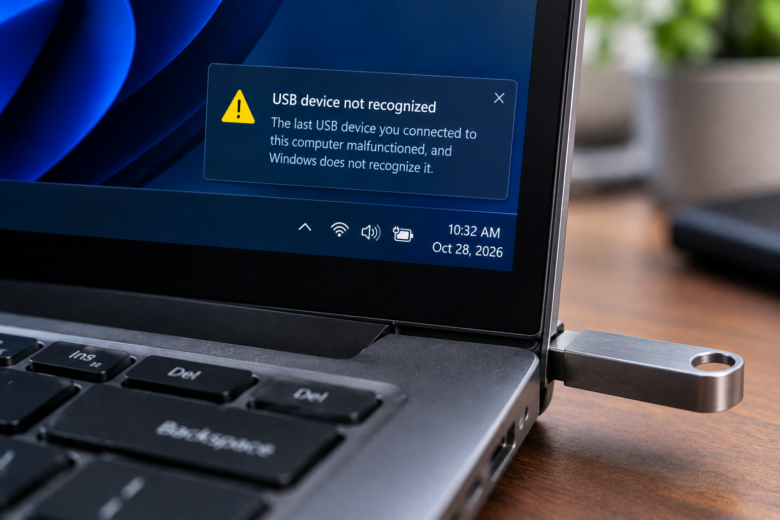
There are few sounds more stressful than plugging a USB flash drive into your computer, hearing the connection chime, and immediately seeing the dreaded pop-up: “USB device not recognized. The last USB device you connected to this computer malfunctioned, and Windows does not recognize it.” Your immediate concern is not the hardware itself—flash drives are …
Few hardware issues destroy your computing experience faster than a lagging wireless mouse. Whether you are trying to headshot an enemy in a competitive shooter, precisely crop an image in Photoshop, or simply drag a spreadsheet window across your monitors, a cursor that stutters, skips, or freezes feels like dragging your hand through wet concrete. …
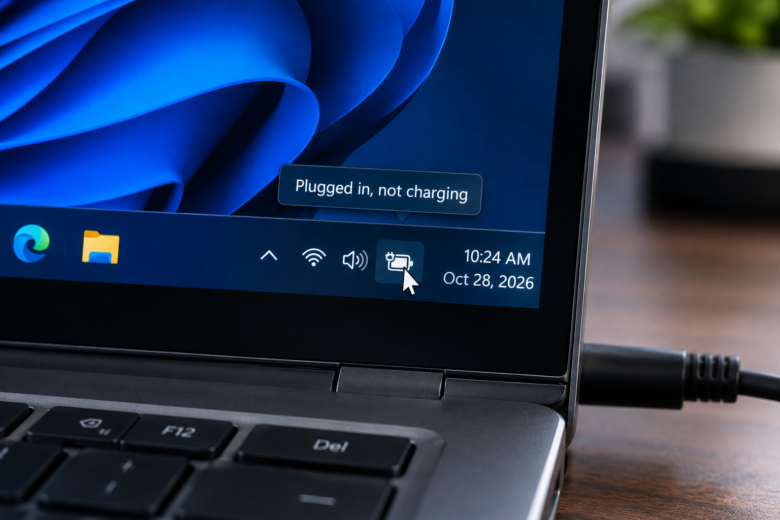
You connect your laptop to the power outlet, see the charging indicator light turn on, but hover over the battery icon in the Windows taskbar only to find a frustrating message: “Plugged in, not charging.“ Your laptop is receiving power, preventing it from shutting down immediately, but the battery percentage refuses to climb. If you …
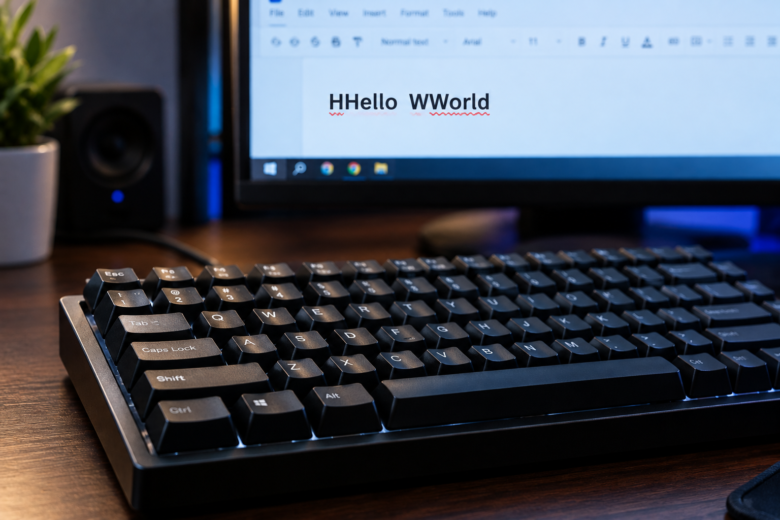
Pressing a key once and seeing it appear twice (or three times) on your screen is one of the most maddening hardware issues a PC user can face. Yyou eend uup ttyping llike tthis, constantly hitting the backspace key just to send a basic email or write a line of code. This phenomenon is known …