
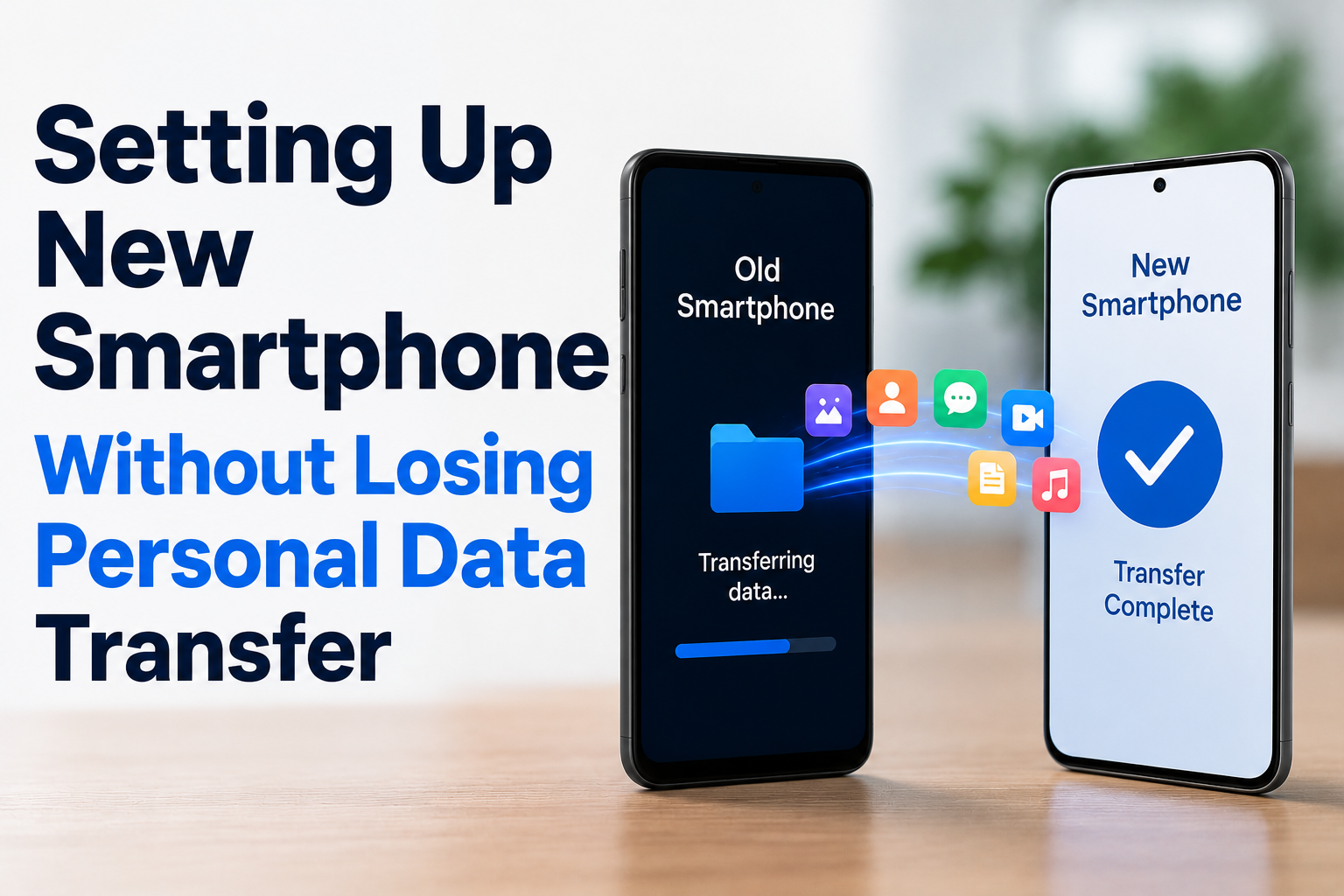
Getting a new smartphone is usually exciting. The device is faster, smoother, and packed with updated features. But the excitement often fades the moment people realize they need to move all their personal data from the old phone to the new one. Contacts, photos, videos, apps, messages, and even small settings all feel important—and losing any of them can be frustrating.
This is where setting up a new smartphone without losing personal data becomes an important process. In simple terms, it refers to the methods and steps used to move your digital life safely from one phone to another without missing anything important.
In practical life, this process matters more than people think. A small mistake during setup can lead to missing memories, lost contacts, or broken app access. That’s why understanding how data transfer works is not just technical knowledge—it’s a daily-life skill.
What “Smartphone Data Transfer Setup” Actually Means
When people hear the term “data transfer,” they often imagine something complicated. But in reality, it simply means moving your information from an old device to a new one in a safe and organized way.
This includes:
- Contacts (phone numbers, email addresses)
- Photos and videos
- Apps and app data
- Messages and chat history
- Documents and files
- Wi-Fi passwords and basic settings (in some cases)
A smartphone transfer process is the overall method that ensures all of this information is successfully copied or synced to your new device.
In real-world terms, think of it like shifting houses. You are not just moving furniture—you are also carefully packing memories, documents, and essential items so nothing gets left behind. Your phone works the same way, except everything is digital.
How Smartphone Data Transfer Works in Real Life
There is no single method to transfer data. Instead, modern smartphones offer multiple ways depending on your device type, brand, and internet access.
1. Cloud-Based Transfer
Most modern smartphones use cloud services like Google Drive (Android) or iCloud (iPhone). When your data is backed up online, you can simply log in on your new phone and restore everything.
Real-life example:
Imagine you change your phone and sign in with the same Google account. Within minutes, your contacts, photos, and app data begin appearing automatically.
2. Cable or Wired Transfer
Some smartphones allow direct transfer using a USB cable. This method is often faster and more stable because it doesn’t rely on internet speed.
In practical terms:
It’s like copying files directly from one computer to another without uploading them online first.
3. Wireless Transfer Apps
Many brands provide built-in apps like “Switch to Android,” “Move to iOS,” or manufacturer tools like Samsung Smart Switch. These apps transfer data through Wi-Fi or a local network connection.
4. Manual Transfer
In some cases, users manually move files using memory cards, external storage, or computer backup. While slower, it gives more control over what is transferred.
Each method has its own advantages depending on the situation, device compatibility, and user comfort.
Step-by-Step Real-World Smartphone Setup Experience
To better understand how this works in daily life, let’s walk through a simple scenario.
Step 1: Backing Up Old Phone
Before switching devices, users usually back up their old phone. This includes photos, contacts, and app data.
For example, a student upgrading their phone might first upload all gallery photos to cloud storage to avoid losing memories.
Step 2: Starting New Phone Setup
When turning on a new smartphone for the first time, it typically asks whether you want to restore data from a backup or another device.
Step 3: Signing Into Accounts
Users log into their Google or Apple account. This step is crucial because it connects the new phone to saved cloud data.
Step 4: Choosing Data to Restore
The phone may give options like
- Restore all data
- Restore selected apps
- Restore contacts only
This is useful when someone does not want to bring unnecessary apps or files.
Step 5: Waiting for Sync Completion
Depending on internet speed and data size, this process may take minutes or even hours.
Step 6: Final Adjustments
Once transfer is complete, users usually adjust settings like wallpapers, notifications, and app layouts.
In real life, this process feels like unpacking after moving into a new home—you gradually make everything familiar again.
Why Data Transfer Matters in Daily Life
Smartphone data transfer is not just a technical step—it has real emotional and practical importance.
For Individuals
Most people store personal memories like photos, videos, and messages on their phones. Losing them can feel like losing part of their personal history.
For Families
Families often share devices or help older members switch phones. Smooth data transfer ensures grandparents, parents, and children don’t lose important contacts or pictures.
For Students and Professionals
Students store study materials, while professionals keep work files, emails, and business apps. A proper transfer ensures productivity is not interrupted.
For Small Businesses
Many small business owners use smartphones for communication, customer data, and digital payments. A failed transfer can temporarily affect business operations.
In simple terms, data transfer helps maintain continuity in daily digital life.
Practical Impact on Everyday Life
The impact of a smooth smartphone setup is often underestimated. But in real situations, it can make a big difference.
Saves Time and Effort
Without proper transfer tools, users would need to manually reinstall apps and re-enter contacts. That could take hours or even days.
Reduces Risk of Data Loss
A proper setup reduces the chances of losing important information like messages, media files, or app history.
Maintains Digital Comfort
People are used to how their old phone is organized. A good transfer helps recreate that familiar environment.
Avoids Emotional Stress
Losing photos or memories can be emotionally frustrating. A proper setup process helps avoid that situation.
For example, someone switching phones before travel or work relocation benefits greatly from a smooth transition because everything stays accessible.
Common Challenges and Limitations
Even though modern technology has made data transfer easier, it is not always perfect.
1. Incomplete Transfers
Sometimes, not all apps or files move properly, especially if the apps are not supported on the new device.
2. Internet Dependency
Cloud-based transfers require stable internet. In areas with slow connectivity, the process may take longer.
3. Storage Limitations
If the new phone has less storage than the old one, not everything can be transferred.
4. Compatibility Issues
Android and iOS systems work differently, so full app data transfer between them may be limited.
5. User Confusion
Some users skip backup steps or choose wrong options during setup, leading to missing data.
These challenges highlight why understanding the process is important before switching devices.
Best Practical Tips for Smooth Data Transfer
To make the process easier and safer, users can follow some simple practices:
- Always back up your old phone before starting
- Ensure both devices are fully charged
- Use stable Wi-Fi during cloud transfer
- Double-check account login details
- Transfer data in a single session if possible
- Keep important files backed up separately (like on a computer or cloud drive)
In practical terms, these steps act like a safety net for your digital data.
Future Trends in Smartphone Data Transfer
Technology is continuously improving, and data transfer methods are becoming more seamless.
Faster Wireless Transfers
New devices are improving Wi-Fi and Bluetooth speeds, reducing transfer time significantly.
AI-Based Smart Migration
Future systems may automatically detect and transfer only relevant data based on user behavior.
Cross-Platform Compatibility
Developers are working toward better compatibility between Android and iOS systems.
Cloud-Centric Storage
More users are shifting toward cloud storage, making physical transfers less necessary over time.
In simple words, the future of smartphone setup is moving toward automation and simplicity.
Conclusion
Setting up a new smartphone without losing personal data is more than just a technical process—it is about protecting your digital life. From photos and contacts to important files and apps, everything stored on a phone represents real moments and practical information.
A smooth transfer ensures that switching devices does not feel like starting over. Instead, it feels like continuing your digital journey without interruption. As smartphones become more central to daily life, understanding how data transfer works helps users avoid stress, save time, and maintain control over their personal information.
FAQs
1. What is the safest way to transfer data to a new smartphone?
The safest method is usually using official cloud backup services like Google or Apple iCloud, as they are designed for secure and complete data restoration.
2. Can I transfer data without internet?
Yes, some phones support wired transfer using cables or offline tools, which do not require internet access.
3. Will all my apps transfer to a new phone?
Most apps will reinstall automatically, but app data may not always transfer depending on the app and operating system.
4. How long does smartphone data transfer take?
It depends on data size and internet speed. It can take a few minutes to several hours.
5. What should I do if some data is missing after transfer?
Check your backup settings and account login. In most cases, missing data can be restored by syncing again from the cloud backup.

NilansGuide Editorial Team creates practical guides for people who want to use technology with more confidence. Our content covers everyday smartphone use, apps, digital safety, common technology problems, and beginner-friendly device guidance. We focus on clear explanations and practical steps that help readers understand and solve everyday technology questions without unnecessary complexity. Content is reviewed and updated when needed to keep information useful and relevant.