
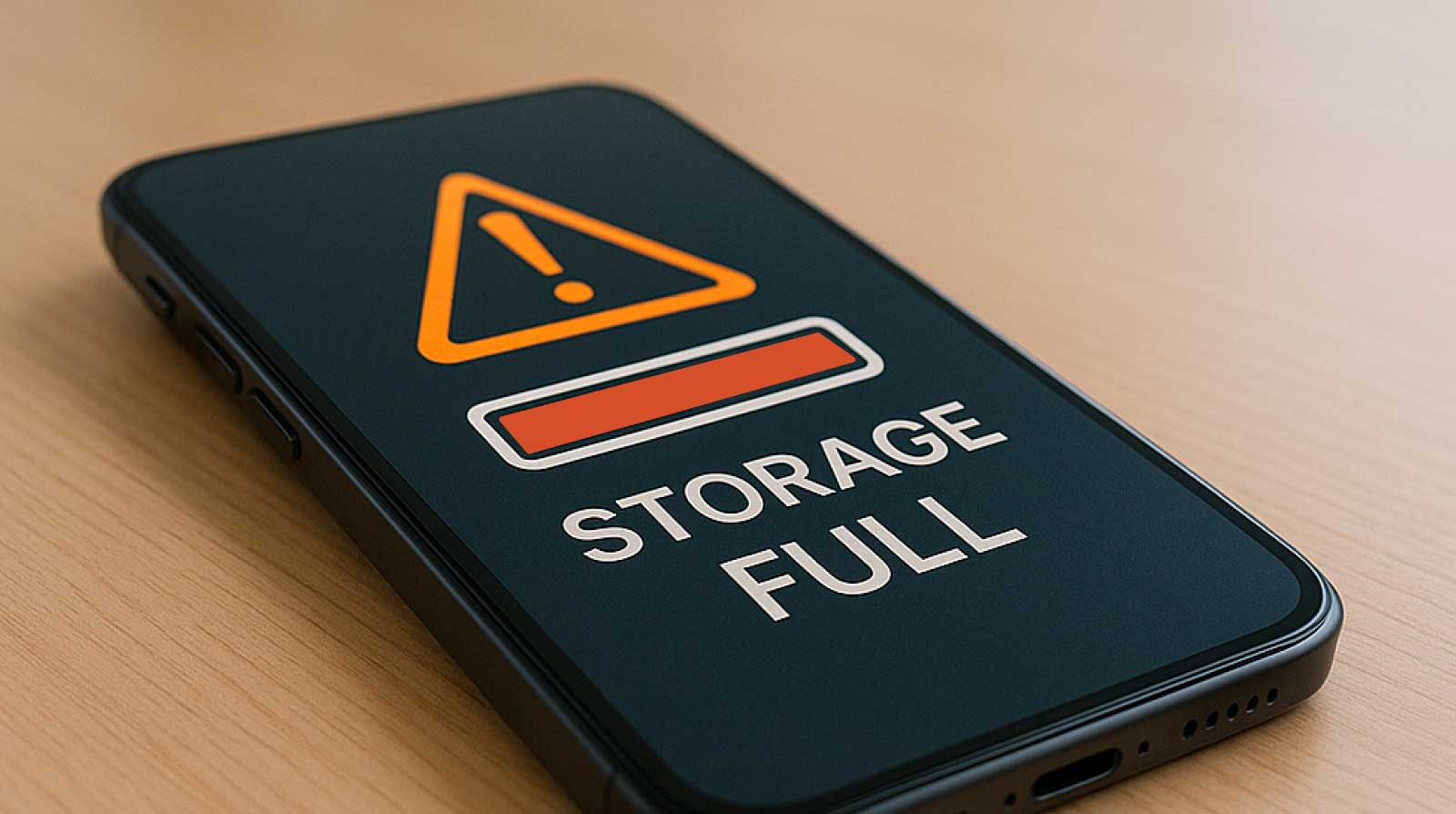
It happened on a normal day when I least expected it. I was trying to download a simple file—nothing heavy, just a document I needed for later. But instead of downloading, my phone froze for a second and then displayed that dreaded message: “Storage Almost Full” followed by “Storage Full” within minutes. At first, I ignored it. I thought it was just a temporary glitch. But then things started breaking one by one. My camera refused to save photos. WhatsApp stopped downloading media. Even basic apps began lagging or crashing.
That was the moment I realized something simple had quietly turned into a serious problem: my phone storage was completely packed. What followed was not just a cleanup process—it became a learning experience about how modern smartphones silently fill up without warning.
How My Phone Storage Got Filled Without Me Noticing
Looking back, the storage problem didn’t happen overnight. It built up slowly in the background while I wasn’t paying attention.
Most of the space was taken by things I didn’t even think about:
- Old WhatsApp media files I never deleted
- Hundreds of duplicate photos from continuous backups
- Cached data from social media apps
- Offline videos and downloads I forgot about
- Large app updates that replaced old versions but didn’t clean properly
The worst part? Everything felt normal until the system hit its limit.
One lesson became clear very quickly: phone storage doesn’t fill dramatically—it fills silently.
My First Reaction: Panic Deleting Random Files
Like most people, my first instinct was not strategic—it was chaotic. I started deleting anything that looked big.
I removed a few videos, cleared some photos, and even uninstalled one or two apps I barely used. It helped a little, but the storage warning kept coming back.
That’s when I realized random deletion was not a solution. I needed a proper method instead of guessing what to remove.
So I stopped and started analyzing the storage properly.
The Turning Point: Checking What Was Actually Using Space
Instead of deleting blindly, I opened my phone’s storage settings. That single step changed everything.
I discovered something surprising:
- Apps I thought were small were actually using gigabytes of cached data
- WhatsApp alone was consuming more space than my camera folder
- “Other files” category was almost 30% of my storage
- The system cache had quietly grown over time
This breakdown helped me understand that storage issues are not about what you see—they are about what runs silently in the background.
From here, I created a simple plan instead of random cleanup.
Cleaning WhatsApp and Social Media Storage First
The biggest shock was WhatsApp. It had accumulated years of forwarded images, videos, voice notes, and documents.
So I started here first because I knew it would free up the most space quickly.
What I did inside WhatsApp:
- Opened Storage Usage settings
- Sorted chats by largest file size
- Deleted large forwarded videos and unnecessary media
- Turned off auto-download for media
- Removed repeated group forwards
Within minutes, I freed several gigabytes of space.
Then I moved to social media apps like Facebook, Instagram, and TikTok, which were storing massive cached video data.
Instead of uninstalling, I simply
- Cleared cache (not data)
- Disabled auto-play videos where possible
- Reduced offline content downloads
This alone made a noticeable difference in available storage.
Removing Hidden Junk Files and Cache Data
After clearing visible files, I focused on something most people ignore: hidden system junk.
Phones constantly generate temporary files to speed up apps, but over time these files pile up and become unnecessary.
So I did a deep cleanup:
- Cleared system cache (through storage settings)
- Removed leftover APK files from old downloads
- Deleted empty folders created by apps
- Cleared browser history and cached pages
- Removed duplicate download files
One important realization here was that cache is not harmful—but unmanaged cache becomes a storage burden.
This step didn’t just free space; it also made my phone feel faster.
Organizing Photos and Videos Without Losing Memories
Photos were my biggest emotional challenge. I didn’t want to delete memories just to free space.
So instead of deleting everything, I used a more structured approach.
My photo cleanup strategy:
- Sorted images into “keep,” “backup,” and “delete” folders
- Removed blurry, duplicate, and accidental screenshots
- Moved important photos to cloud storage or SD card
- Deleted WhatsApp-forwarded duplicates from gallery
- Reduced camera burst-shot clutter
I also found that many apps saved the same image, which caused the duplication of many photos.
Once I organized everything, I freed up a huge amount of space without losing meaningful memories.
Uninstalling Apps I Didn’t Realize I Stopped Using
Another major discovery was how many apps I had installed but no longer used regularly.
Some of them were:
- Shopping apps I used once
- Old editing apps
- Games I stopped playing
- Travel apps from past trips
Even if I didn’t open them, they were still taking storage space and sometimes running background processes.
So I asked myself a simple question for each app:
“Have I used this in the last 30 days?”
If the answer was no, I uninstalled it.
This step alone reduced both storage usage and background system load.
Moving Files to Cloud and External Storage
Once I cleaned internal storage, I didn’t want the problem to repeat. So I created a backup system.
I used a combination of cloud storage and external storage to keep my phone clean long-term.
What I started doing:
- Uploading photos automatically to cloud backup
- Saving important documents to online drive
- Transferring videos to external storage weekly
- Keeping only essential files on phone memory
This changed everything. My phone stopped feeling overloaded because I was no longer relying only on internal storage.
It also gave me peace of mind knowing my files were safe even if the phone got damaged or lost.
Setting Up a Simple Storage Maintenance Habit
The biggest lesson from this experience was not about cleaning—it was about maintenance.
Instead of waiting for storage to fill again, I built a simple habit system.
Now I follow this routine:
- Weekly check of storage usage
- Monthly cleanup of WhatsApp and downloads
- Regular cache clearing from heavy apps
- Immediate deletion of unnecessary files instead of saving them “for later”
- Cloud backup every few days
These small habits prevent the same problem from coming back.
Storage management is not a one-time fix—it’s an ongoing habit.
The Final Result: A Faster, Cleaner, and More Reliable Phone
After completing all these steps, the difference was dramatic.
My phone not only had free space again—it actually felt new.
Apps opened faster, the camera worked smoothly, and I stopped seeing storage warnings completely.
But the biggest change was mental clarity. I no longer felt anxious every time I downloaded something or took a photo.
What used to be a frustrating problem became something I now manage effortlessly.
Conclusion:
Recovering phone storage after the unexpected full warning taught me a simple but powerful lesson: smartphones don’t slow down randomly—they slow down because we let them accumulate digital clutter over time.
By understanding where storage actually goes and taking a structured cleanup approach, anyone can restore performance without needing expensive upgrades.
The key takeaways are the following:
- Storage fills silently through apps and media
- WhatsApp and social apps are major storage users
- Cache and junk files build up over time
- Organized cleanup works better than random deletion
- Cloud backup prevents future storage stress
With a few smart habits, you can keep your phone running smoothly without ever facing that sudden “storage full” panic again.
FAQs
1. Why does my phone storage fill up so quickly?
Phone storage fills quickly due to app cache, media downloads, WhatsApp files, and system-generated temporary data that accumulates over time.
2. Is it safe to clear cache data on my phone?
Yes, clearing the cache is safe. It removes temporary files and does not delete personal data like photos or messages.
3. What is the fastest way to free up phone storage?
The fastest way is to delete large media files, clear WhatsApp storage, remove unused apps, and clean cache data.
4. Does deleting apps really free up a lot of space?
Yes, especially apps that store offline data or large cache files. Unused apps can take up more space than expected.
5. How can I prevent storage from filling again?
Regular cleanup, cloud backups, limiting auto-downloads, and checking storage monthly can help prevent future storage issues.

NilansGuide Editorial Team creates practical guides for people who want to use technology with more confidence. Our content covers everyday smartphone use, apps, digital safety, common technology problems, and beginner-friendly device guidance. We focus on clear explanations and practical steps that help readers understand and solve everyday technology questions without unnecessary complexity. Content is reviewed and updated when needed to keep information useful and relevant.