
A few months ago, a close friend experienced a sudden family emergency while traveling. Their phone battery died, they couldn’t remember key phone numbers, and no one knew how to reach the rest of the family quickly. Watching that situation unfold made me uncomfortable because I realized my own family had no proper emergency contact plan either. Like many households, we assumed we would “figure it out if something happened.” That assumption suddenly felt risky.
That evening, I decided to create a simple, practical family emergency contact plan online. I didn’t want something complicated or technical. I wanted a system that anyone in the family could use—even under stress. In this article, I’ll walk you through how I built our plan step by step so you can create one for your family today.
Understanding Why Families Need a Digital Emergency Contact Plan
Before creating anything, I needed to understand what problems we were actually solving. Emergencies rarely give warnings. Phones get lost, batteries die, internet access disappears, and people panic. When panic sets in, memory becomes unreliable.
The biggest risks I identified were:
- Family members not remembering important phone numbers
- No shared access to medical or travel information
- Confusion about who to contact first
- Difficulty coordinating during travel or disasters
- Children not knowing what to do in emergencies
A digital emergency contact plan solves these problems by creating a single, shared source of truth that everyone can access quickly.
Deciding What Information Actually Matters in an Emergency
At first, I thought the plan needed dozens of details. But after researching real emergency scenarios, I realized simplicity is more effective than complexity. In stressful situations, people need clear and minimal information.
Here’s the essential information we included:
Primary Contacts
- Parents or guardians
- Close relatives
- Trusted neighbors
- Family doctor
- Workplace emergency contacts
Important Details
- Home address and directions
- Medical conditions and allergies
- Insurance contact numbers
- School contacts for children
- Travel emergency contacts
Keeping the plan focused made it easier to create and easier to use.
Choosing Simple Online Tools Instead of Complicated Apps
One mistake I almost made was searching for specialized emergency planning apps. Many were complex, expensive, or required everyone to learn new software.
Instead, I chose tools we already used daily:
- A shared cloud document
- A shared notes app
- Cloud storage for important files
This decision made adoption easy. No one had to learn anything new, which dramatically increased the chances that the plan would actually be used.
Creating the Family Emergency Contact Document Step by Step
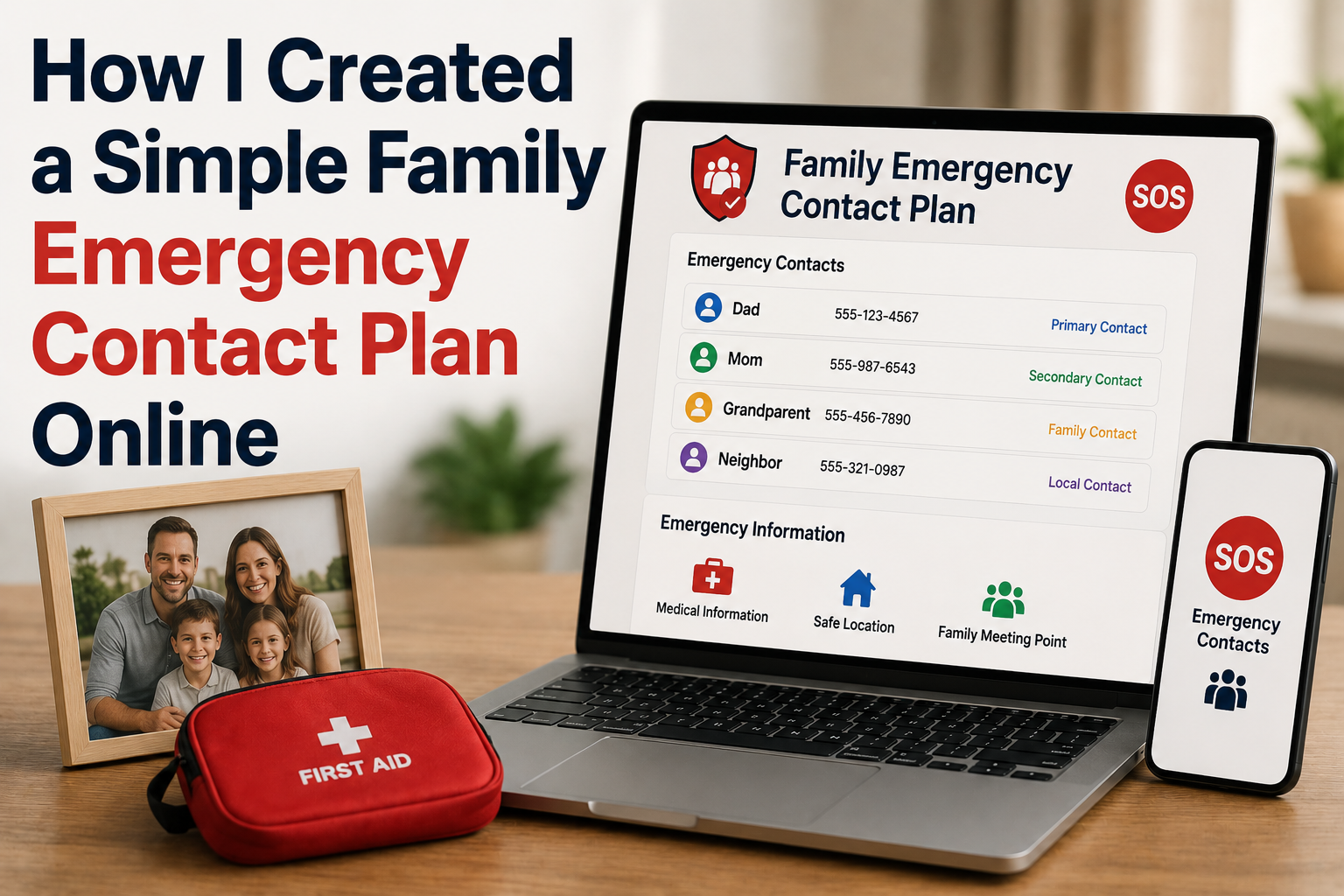
I started by creating a simple document titled “Family Emergency Contact Plan.” The goal was clarity and speed, not perfection.
Here’s the structure I used:
Section 1: Immediate Emergency Contacts
- Parent 1 phone number
- Parent 2 phone number
- Backup relative
- Trusted neighbor
Section 2: Medical and Health Contacts
- Family doctor
- Local hospital
- Pharmacy
- Health insurance hotline
Section 3: Children’s Emergency Information
- School contact numbers
- Teacher names
- Pickup authorization contacts
Section 4: Workplace Contacts
- Employer or manager numbers
- Office address
Section 5: Travel Emergency Contacts
- Emergency contacts outside the city
- Embassy contact info (for travel)
The document took less than an hour to build, yet it immediately felt valuable.
Making the Plan Accessible to Every Family Member
Creating the document was only half the job. Accessibility was the real challenge. An emergency plan that nobody can access is useless.
Here’s how I solved accessibility:
Access methods we used:
- Shared with all adult family members
- Downloaded offline copies on phones
- Printed a physical copy for the home
- Saved a copy in cloud storage
This multi-layer approach ensures the plan is available even if internet access is unavailable.
Teaching the Family How to Use the Plan
One of the most important steps was actually discussing the plan as a family. I scheduled a short family meeting and walked everyone through it.
We practiced simple scenarios:
- What to do if a phone is lost
- Who to call if someone is late
- What children should do if they feel unsafe
This conversation made the plan real. It also helped children feel more confident and secure.
Adding Emergency Instructions for Kids and Teens
Children need simple, clear instructions during emergencies. I added a section written specifically for them using easy language.
Kids’ Emergency Steps
- Stay calm and find a safe adult
- Call parents using saved contacts
- If unreachable, call backup contact
- Share home address if needed
We practiced dialing numbers and memorizing key contacts. This step gave me enormous peace of mind.
Securing the Document Without Making It Hard to Access
Security matters because the document contains sensitive information. But overly strict security can make access difficult during emergencies.
Here’s the balance I used:
- Protected the document with a strong password
- Shared access only with trusted family members
- Avoided including unnecessary private data
- Stored backup copies offline
The goal was secure but accessible, not locked away.
Turning the Plan Into a Living Document
The first version of the plan was not perfect. Over time, we improved it.
We now update it when:
- Phone numbers change
- Children switch schools
- New doctors or contacts are added
- We move or travel frequently
Treating it as a living document keeps it relevant and useful.
The Peace of Mind That Came From Being Prepared
After finishing the plan, I noticed something unexpected: a huge sense of relief. Emergencies are unpredictable, but preparation gives you control over how you respond.
Now, if anything unexpected happens, we know:
- Who to contact
- Where to find important information
- How to communicate quickly
- How children should respond
That peace of mind alone made the entire process worthwhile.
Conclusion:
Creating a family emergency contact plan online doesn’t require technical skills or expensive tools. With a shared document, clear contact lists, and a short family discussion, you can dramatically improve your family’s preparedness.
The most important lesson I learned is that preparation doesn’t need to be complicated. It just needs to exist. If you follow these steps, you can create a reliable system that protects your family and reduces panic during unexpected situations.
FAQs
1. What is a family emergency contact plan?
It’s a shared document containing essential phone numbers, addresses, and instructions that help family members communicate quickly during emergencies.
2. Where should I store the emergency plan?
Store it in cloud storage, download offline copies on phones, and keep a printed version at home.
3. How often should the plan be updated?
Review and update it every few months or whenever contact details change.
4. Should children know about the emergency plan?
Yes. Children should learn simple steps and memorize key contact numbers.
5. Do I need special apps to create a plan?
No. A shared document or notes app works perfectly and is easier for families to adopt.

NilansGuide Editorial Team creates practical guides for people who want to use technology with more confidence. Our content covers everyday smartphone use, apps, digital safety, common technology problems, and beginner-friendly device guidance. We focus on clear explanations and practical steps that help readers understand and solve everyday technology questions without unnecessary complexity. Content is reviewed and updated when needed to keep information useful and relevant.