
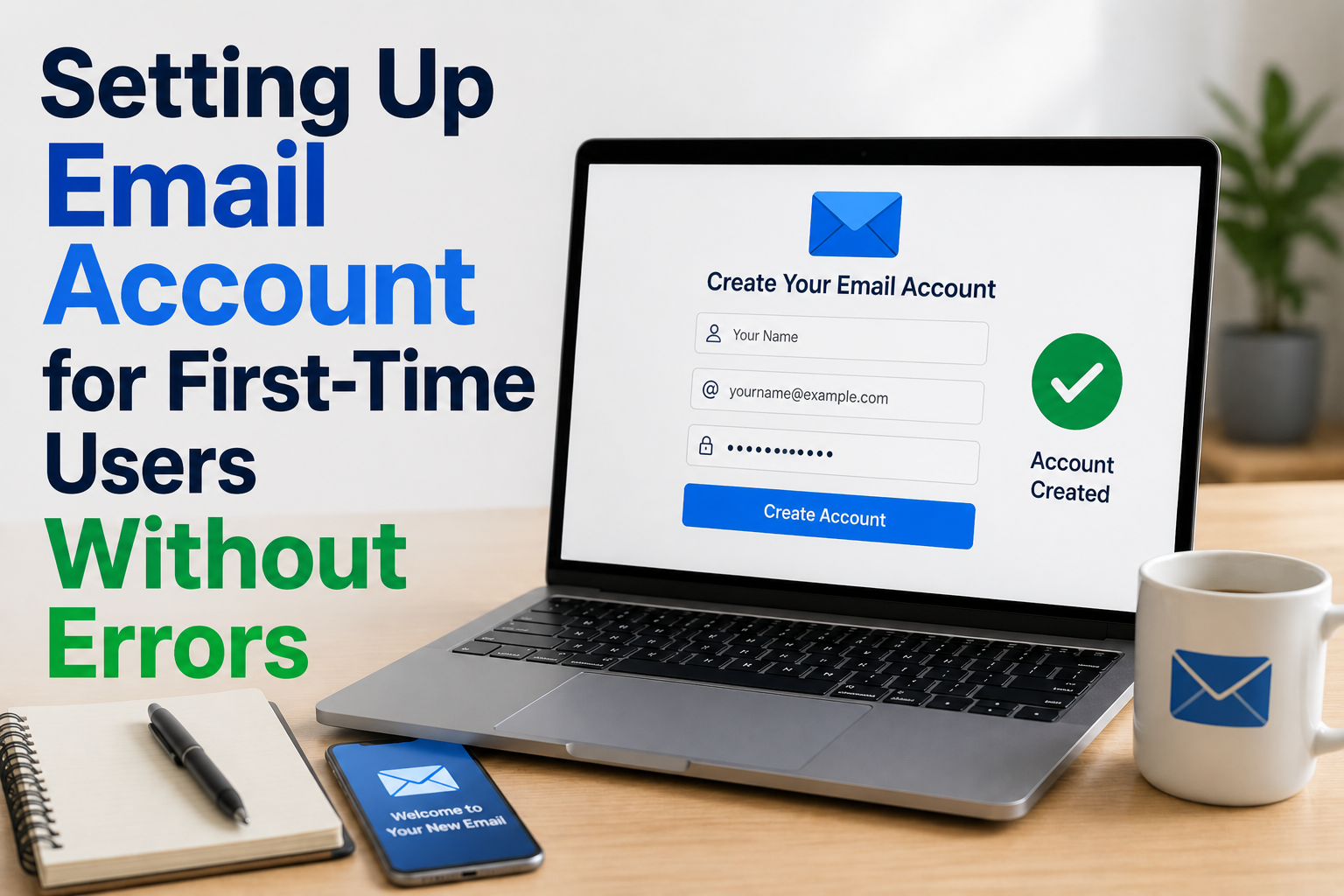
Creating an email account for the first time may look easy on the surface, but many beginners still face confusion during setup. From choosing a service to understanding passwords, recovery options, and inbox basics, small mistakes can lead to frustration later.
The good news is that setting up an email account correctly does not require technical knowledge. It only requires a clear, step-by-step understanding of what each part means and how it fits into daily digital life. In this guide, we’ll break everything down in a practical and easy way so first-time users can avoid common errors and build confidence while using email.
What Setting Up an Email Account Actually Means
Setting up an email account means creating a personal digital identity that allows you to send and receive messages over the internet. It is similar to having a postal address, but in digital form.
An email account usually includes:
- A username (your email address)
- A password (for security)
- An inbox (where messages arrive)
- Settings (to manage how everything works)
In simple terms, your email becomes your online communication hub. It connects you to websites, apps, services, and people.
Real-world example:
When you sign up for a social media app or online service, they often ask for your email. That email becomes your login identity and communication point.
Why Email Matters in Everyday Life
Email is not just for sending messages. It is one of the most important digital tools used in personal, educational, and professional life.
1. Personal communication
People use email for:
- Receiving notifications
- Signing up for apps
- Online shopping confirmations
- Important alerts
2. Education and learning
Students use email to:
- Receive class updates
- Submit assignments
- Communicate with teachers
- Access online learning platforms
3. Work and business use
In workplaces, email is essential for:
- Professional communication
- Sharing documents
- Meeting invitations
- Project coordination
Practical meaning:
In daily life, email acts like a digital identity card. Without it, many online activities become limited or unavailable.
Step 1: Choosing the Right Email Service
Before creating an account, the first decision is choosing an email provider. Popular options include widely used free email services.
What to consider:
- Ease of use
- Storage space
- Security features
- Mobile access
- Recovery options
Real-world scenario:
If you are a student, you might prefer a simple interface. If you are using email for work, you may want better organization features.
What this means in daily life:
Choosing the right service helps reduce confusion later. A simple interface makes learning faster for beginners.
Step 2: Creating a Simple and Safe Email Address
One of the most common mistakes beginners make is choosing a complicated or confusing email address.
Good practices:
- Keep it simple and readable
- Avoid unnecessary numbers or symbols
- Use your name or initials if possible
- Make it easy to remember
Example:
A clean email format like firstname.lastname@example.com is easier to use than a complex combination of random characters.
Real-world impact:
A simple email address makes it easier for others to contact you and reduces typing errors when logging in.
Step 3: Setting a Strong but Memorable Password
Password setup is one of the most important parts of creating an email account. It protects your personal information and messages.
A good password usually includes:
- A mix of letters and numbers
- Some special characters
- A balance of strength and memorability
Real-world example:
Think of your password like a key to your house. If it is too simple, it can be guessed easily. If it is too complicated, you might forget it.
What this means in daily life:
A strong password helps protect your account from unauthorized access and keeps your personal data safe.
Step 4: Adding Recovery Options (Very Important Step)
Recovery options are often ignored by beginners, but they are extremely useful if you forget your password.
Common recovery methods:
- Phone number
- Backup email address
- Security questions
Real-world scenario:
If you forget your password and cannot access your email, recovery options help you regain access without losing your account.
Practical meaning:
This step acts like a backup key. Without it, recovering your account can become difficult.
Step 5: Understanding the Email Interface
Once the account is created, users often feel confused by the inbox layout. But it becomes simple once you understand the basics.
Main sections include:
- Inbox (incoming messages)
- Sent (messages you sent)
- Drafts (unsent messages)
- Spam (unwanted emails)
Real-world example:
Think of your inbox like a mailbox:
- Inbox = incoming letters
- Sent = copies of letters you mailed
- Spam = unwanted flyers or junk mail
What this means in daily life:
Understanding the interface helps you stay organized and avoid missing important messages.
Step 6: Sending Your First Email
Sending an email for the first time is a key step in learning how the system works.
Basic steps:
- Click “Compose” or “New Email”
- Enter recipient’s email address
- Add subject line
- Write your message
- Click “Send”
Real-world scenario:
Sending an email is similar to writing a letter, but much faster and more efficient.
Practical impact:
Once you learn this step, you can communicate with anyone globally in seconds.
Step 7: Receiving and Managing Emails
After setup, emails will start arriving in your inbox. Managing them properly is important.
Basic actions:
- Open and read messages
- Reply when needed
- Delete unnecessary emails
- Mark important messages
Real-world example:
Imagine receiving bills, school notices, or job updates through email. Managing them properly ensures you don’t miss anything important.
What this means in daily life:
Good email management helps reduce stress and keeps digital communication organized.
Common Errors First-Time Users Face
Even though email setup is simple, beginners often make a few mistakes.
1. Weak passwords
This can lead to account vulnerability or login issues.
2. Forgetting recovery options
Without recovery setup, account recovery becomes difficult.
3. Typing wrong email addresses
Even a small mistake can send messages to the wrong person.
4. Ignoring spam folder
Important emails sometimes land in spam by mistake.
5. Overcomplicating setup
Trying to change too many settings at once can create confusion.
Practical takeaway:
These errors are normal for beginners and improve with practice.
Real-World Importance of Email in Daily Life
Email is deeply integrated into modern digital life. Most online services require it for registration and communication.
Everyday uses include the following:
- Online shopping receipts
- Bank notifications
- Job applications
- Educational updates
- App sign-ups
Real-world scenario:
If you forget your email password or lose access, many online services may also become harder to access.
What this means in daily life:
Email is not just communication—it is your digital identity for most online activities.
Future Trends in Email Usage
Email systems are becoming more user-friendly and intelligent over time.
Emerging trends include:
- AI-based spam filtering
- Smart email sorting
- One-click unsubscribe features
- Better mobile integration
- Enhanced security alerts
Practical meaning:
In the future, managing emails may become easier, with less manual effort required from users.
Benefits of Learning Email Setup Properly
Setting up email correctly from the beginning has long-term advantages.
Key benefits:
- Fewer login issues
- Better security
- Easier communication
- Improved organization
- Reduced confusion
Real-world example:
A properly set up email helps students, professionals, and general users stay connected without technical difficulties.
Conclusion
Setting up an email account for the first time is a simple but important digital skill. When done correctly, it becomes the foundation for communication, learning, and online access. By understanding each step—choosing a provider, creating a safe email address, setting a strong password, adding recovery options, and learning the interface—users can avoid common errors and build confidence quickly.
In daily life, email plays a central role in communication and online identity. Once properly set up, it becomes a reliable tool that supports both personal and professional activities.

NilansGuide Editorial Team creates practical guides for people who want to use technology with more confidence. Our content covers everyday smartphone use, apps, digital safety, common technology problems, and beginner-friendly device guidance. We focus on clear explanations and practical steps that help readers understand and solve everyday technology questions without unnecessary complexity. Content is reviewed and updated when needed to keep information useful and relevant.