
How I Recovered Phone Storage After Unexpected Full Warning
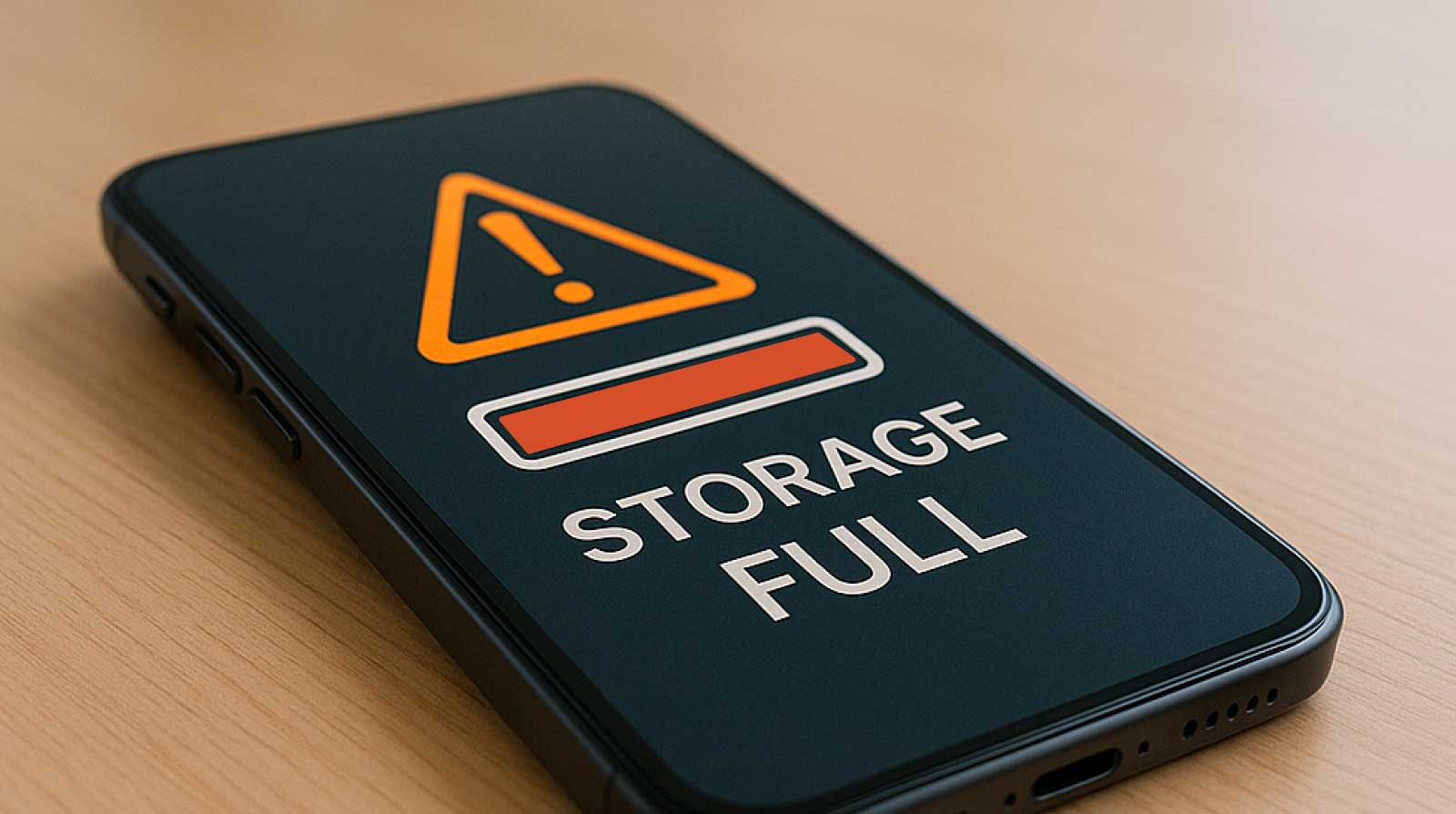
It happened on a normal day when I least expected it. I was trying to download a simple file—nothing heavy, just a document I needed for later. But instead of downloading, my phone froze for a second and then displayed that dreaded message: “Storage Almost Full” followed by “Storage Full” within minutes. At first, I … Read more


How I Created a Simple Family Emergency Contact Plan Online

A few months ago, a close friend experienced a sudden family emergency while traveling. Their phone battery died, they couldn’t remember key phone numbers, and no one knew how to reach the rest of the family quickly. Watching that situation unfold made me uncomfortable because I realized my own family had no proper emergency contact … Read more

Setting Up Email Account for First-Time Users Without Errors

Creating an email account for the first time may look easy on the surface, but many beginners still face confusion during setup. From choosing a service to understanding passwords, recovery options, and inbox basics, small mistakes can lead to frustration later. The good news is that setting up an email account correctly does not require … Read more

Fixing App Update Stuck Issue on Mobile During Installation

Almost every smartphone user has faced this situation at least once—you tap “Update” on an app, and then nothing happens. The progress bar freezes, the download stops halfway, or the installation gets stuck for a long time without any clear reason. This is commonly known as the app update stuck issue during installation. At first … Read more

Setting Up Automatic Photo Sorting on My Phone Gallery

It started with something simple. I opened my phone gallery to find a photo I had taken just a few days earlier. Instead of quickly locating it, I ended up scrolling endlessly through thousands of images—screenshots, memes, blurry shots, duplicate pictures, and random downloads I didn’t even remember saving. What was supposed to be a … Read more

Step-by-Step Guide to Managing Family Photos with Google Photos

Family photos start as happy memories but quickly turn into digital clutter. One day you take a few pictures of a birthday, and before you know it, your phone holds thousands of photos from holidays, school events, screenshots, and random snapshots. Many families keep photos scattered across phones, laptops, old USB drives, and messaging apps. … Read more

How I Understood Mobile Settings After Switching My Phone

Switching to a new phone often feels exciting at first, but that excitement quickly turns into confusion once you open the settings menu. Everything looks slightly different, menus are in new places, and familiar options don’t behave the same way anymore. I went through this exact experience when I switched devices, and what helped me … Read more

Managing Dual SIM Settings for Work and Personal Use Easily

In today’s connected world, many people no longer rely on just one phone number. Whether it’s for work communication, family contact, online registrations, or travel, having two SIM cards in a single phone has become a practical solution. This is where managing dual SIM settings for work and personal use easily becomes important. A dual … Read more

How I Reduced Daily Data Usage Without Changing My Apps

It started with something I initially ignored. My mobile data was finishing faster than usual, even though I wasn’t doing anything dramatically different. I was using the same apps—social media, maps, messaging, and a bit of video streaming—but somehow my daily data limit was vanishing way too quickly. At first, I assumed it was just … Read more